
 Email or text


BUSINESS CREATES
Create a single gift or a batch.
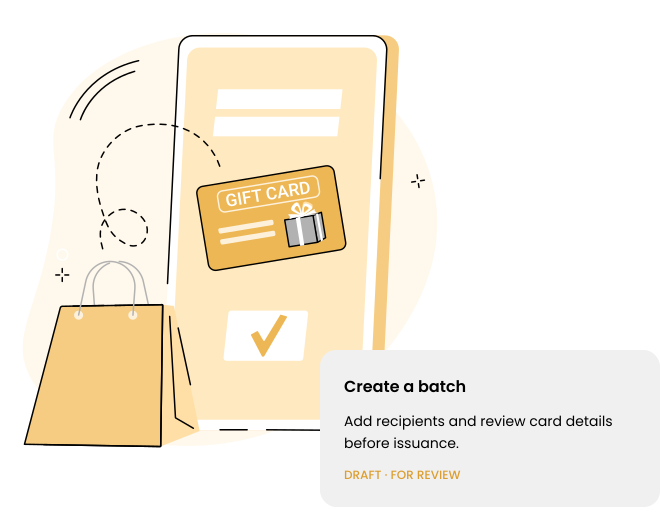
Make one customer’s day or prepare gifts for a whole team. Choose the value and personal message, add your recipients and review everything before issuing.
FOR YOUR BUSINESS
Turn a thoughtful gesture into a visit to your business. Create digital gift cards for one person or a whole list, with a message that makes it personal.
Customers open their gift online, bring it to your store and keep any remaining balance for another visit.
Join the waitlist
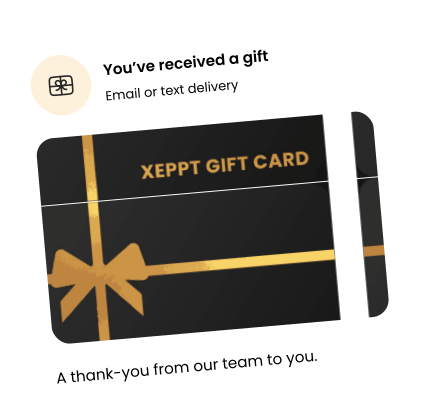
From one customer’s gift to a seasonal campaign, create and manage digital gift cards in XEPPT. Choose the value and message, review your recipients, and send by email or text. Card status, remaining balances and redemption history help your team check what has been issued and used.
Create individual cards or batches for customer rewards, seasonal campaigns and team gifts.
Check cards at checkout and track redemptions and remaining balances.
A digital gift card should be easy to send and easy to use. XEPPT brings creation, delivery and in-store redemption into one journey, with a clear balance for the next visit.
BUSINESS CREATES
Make one customer’s day or prepare gifts for a whole team. Choose the value and personal message, add your recipients and review everything before issuing.

DIGITAL DELIVERY
Send by email or text, so the gift reaches an inbox or phone your recipient already uses. They follow the link to open their card.

RECIPIENT ACTIVATION
A clear message guides recipients to their gift and any required activation steps. They can access the card online without downloading another app.

IN-STORE PRESENTATION
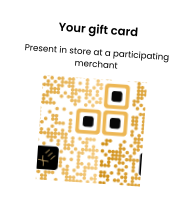
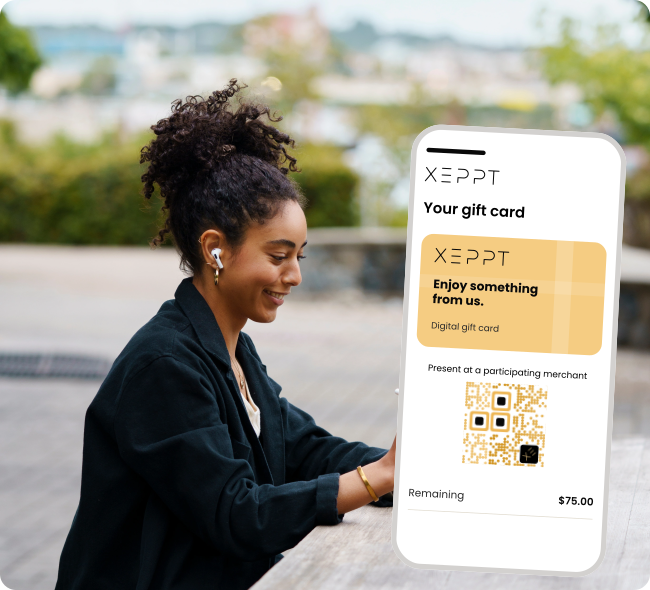
Bring the gift into a real visit. The recipient presents the QR code at a participating merchant, where staff validates the card before applying it to the purchase.

MERCHANT REDEMPTION
Use the amount needed for today’s purchase. If value remains on the card, the recipient can check it online and bring it back for a future visit.
FOR RECIPIENTS
Open the link in your email or text to see your digital gift card. Follow any activation instructions, then bring the QR code to the business named on the card. Staff validates the card at checkout, so you can use your gift without downloading another app.
You do not have to spend the whole gift in one visit. After a partial redemption, check the remaining balance through the card’s link and use the remaining value on a later visit to that business.
Choose the approach that fits your business.

Help customers share your business with loved ones.
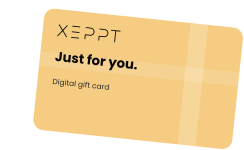

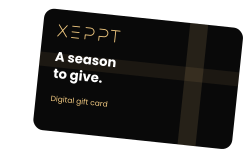
Plan gifts for holidays, celebrations and seasonal events.

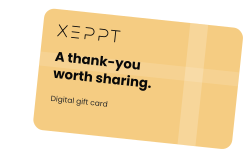
Thank customers with a gift from your business.

Send gifts in batches to teams, clients and partners.
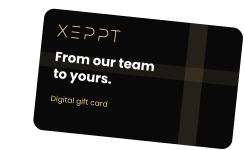
Open the gift-card email or text and follow any activation instructions. Show the card’s QR code to redeem the gift card in store at a participating merchant. No additional app is required.
Use the gift card at a participating store for the issuing business. The merchant validates the card’s QR code and applies the redemption to the card’s available balance.
Yes. Create a single gift card or prepare a batch with recipient details for a campaign. Digital delivery can be by email or text.
Open the gift-card link to view the remaining balance. The business can also review card balances and status in its gift-card tools.
Follow the instructions delivered with the gift card. When activation is required, complete that step before presenting the card for redemption.
Smart tools to send, receive, and manage your money — all in one secure, flexible platform.
Join the waitlist today.
The first 1,000 verified users will recieve a $30 bonus and participate in your $1,000 giveaway
You're now on the waitlist. We'll let you know as soon as XEPPT is ready for you.


