
Coming soonPlanned currency walletsPlanned exchange tools
 Coming soon
Multi-currency is coming to XEPPT.
Multi-currency is on our roadmap. The planned experience brings currency wallets and exchange tools into XEPPT. It is not available today.



Coming soon. Illustrations do not confirm future currencies, destinations or functionality.
What you can do with your XEPPT multi-currency account

Send and receive money worldwide
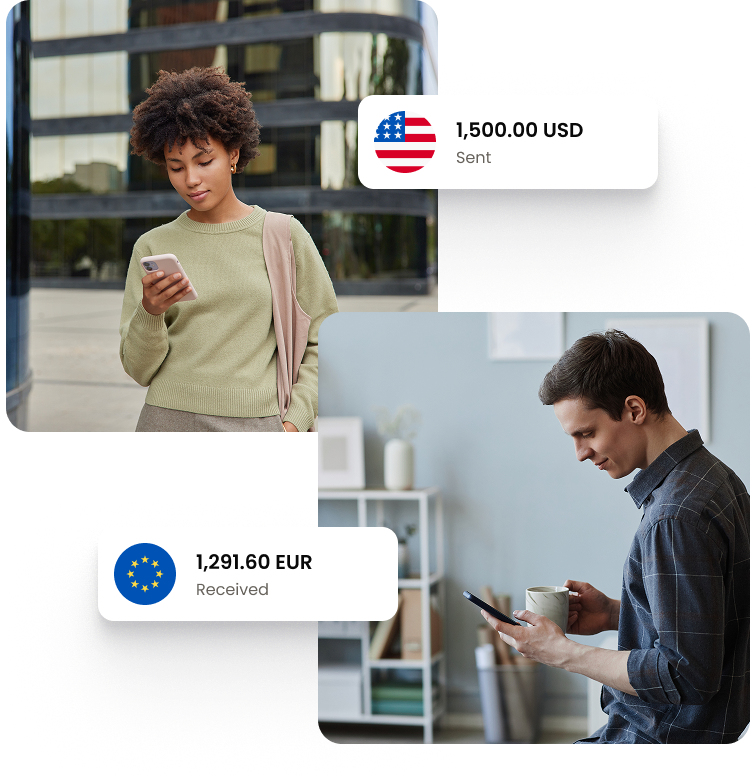
Send money to over 180 countries around the globe in 36 currencies, with transparent fees and real mid-market rates. XEPPT automatically creates wallets for every currency you use — giving you total flexibility and control.
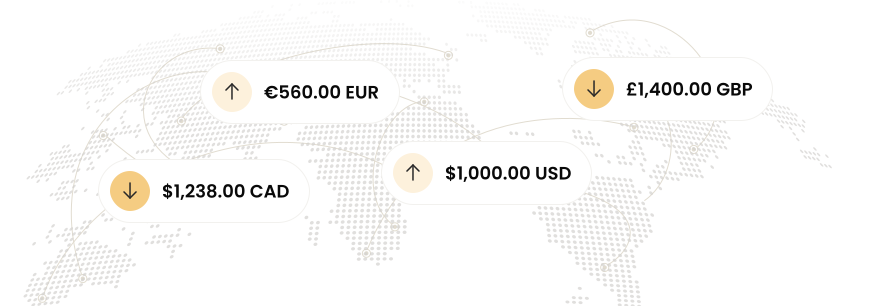

Easily exchange between wallets
Convert funds between your XEPPT wallets at real mid-market rates and with no hidden fees. Keep full control of your global funds with fair exchange.



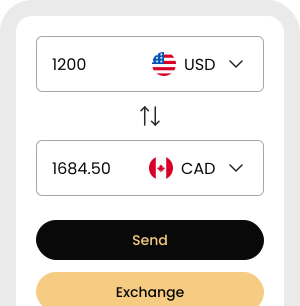
Calculate your currency conversions
Check exchange rates, fees, and the final amount for any potential transaction at a glance—fully transparent and easy to plan.

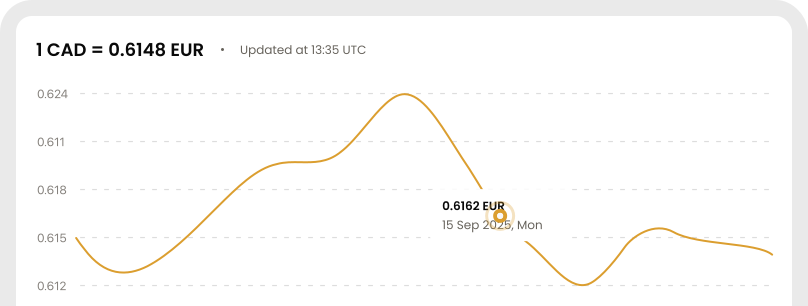
Explore currency trends
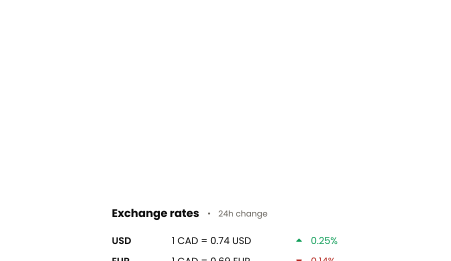
Analyze rate trends for any currency pair with XEPPT. Explore real-time mid-market rates, track historical changes, gain valuable insights, and spot the best moment to transfer your funds.
Get started with your global wallet
01
Sign up and verify your identity
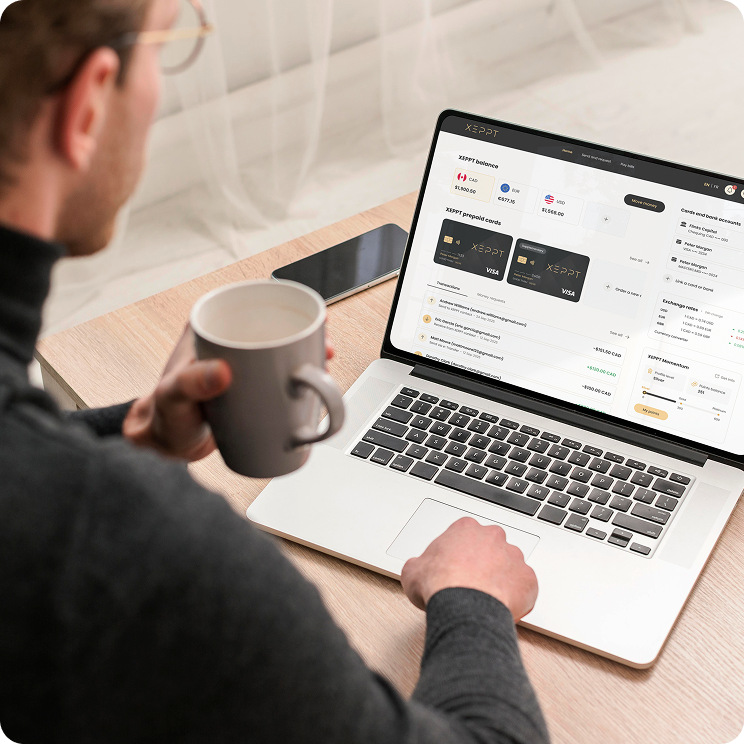
Create your personal or business XEPPT account and complete a quick KYC verification with your ID and a selfie. Once verified, your default CAD wallet will be ready, along with full access to XEPPT's global payment and currency tools.
02
Easily pay and get paid in any currency
Add wallets in your preferred currencies directly from your dashboard, or start sending and receiving money right away — XEPPT will create a new wallet automatically when you use a currency you don't yet have.
03
Make the most of your multi-currency wallet
XEPPT ensures low fees on every transaction, and you can reduce them even further through our Momentum loyalty program. Use your wallet, invite friends, earn points, and enjoy smarter, more rewarding global payments.

Manage your currencies on the go
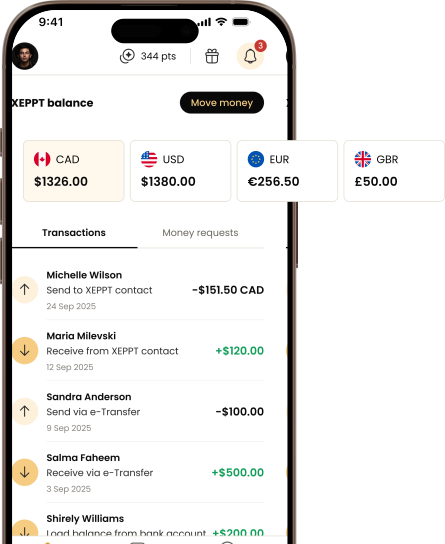
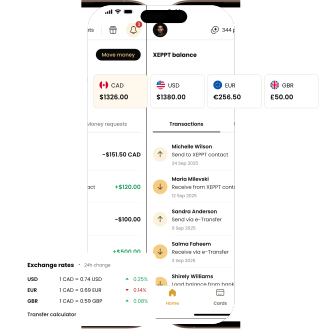
Manage your currencies anytime, anywhere with the XEPPT mobile app. Send, receive, and exchange funds in multiple currencies, track your balances in real time, and stay in full control of your global wallet—right from your phone.
Frequently asked questions
How does the XEPPT multi-currency wallet work?
With XEPPT, you can easily hold, send, and receive money in multiple currencies — all from one secure account. After signing up and completing a quick KYC verification, your default CAD wallet is created automatically. From there, you can add wallets in other currencies or simply send or receive money in a new one — XEPPT will open the wallet for you instantly. Manage all your wallets in one place, from the mobile app or web platform, and stay in full control of your global funds. Transfer money between wallets, track real-time exchange rates, and make worldwide payments in seconds — all with transparent fees and no hidden costs.
Which currencies does XEPPT support for exchange and payments?
You can hold, exchange, and make payments in over 36 global currencies with XEPPT, including USD, EUR, GBP, CAD, AUD, and JPY — all with transparent mid-market rates and low transaction fees. See the full list of supported currencies here.
How do I add a new currency to my XEPPT wallet?
Adding a new currency is quick and hassle-free. You can create a wallet in any currency you need from your dashboard, or simply send money in that currency — XEPPT will create the wallet automatically. You can also receive money in a currency you don't yet have, and a new wallet will be created instantly to hold it.
Can I send or receive money in a currency I don't yet have in my wallet?
Yes! Whenever you send or receive money in a new currency, XEPPT automatically creates a wallet for it. This lets you transact immediately without any setup, giving you full flexibility and control over your multi-currency funds.
How much does it cost to send or exchange money in different currencies?
XEPPT keeps fees low and fully transparent for every transaction. The exact cost depends on the payment type and currency, but before sending or converting money, you can always see the applied fees, exchange rate, and total amount. Our wallets use real mid-market rates, so there are no hidden surprises—you'll always know what you're paying and receiving.
Who can open a multi-currency account?
With XEPPT, opening a multi-currency account is simple and accessible to everyone. After signing up and verifying your identity, you'll gain access to your global wallet, where you can add and manage multiple currencies for international payments and transfers.
